Creator Desk Setup
Creator Desk Setup
Disclosure: This page contains affiliate links. We may earn a commission if you purchase through them, at no extra cost to you. We only recommend products we believe are useful.
Building a creator setup doesn't mean buying every piece of equipment available. The right tools should solve specific problems — from poor lighting and unclear audio to slow editing, limited storage, and time-consuming image work.
This curated Creator Desk Setup brings together practical tech, storage, and creative resources to help you create, edit, organize, and share your work more efficiently.
⚠️ Common Creator Setup Problems
- Editing videos and graphics becomes slow when your computer struggles with demanding workloads.
- Poor audio can make otherwise useful videos, tutorials, and podcasts difficult to follow.
- Uneven or insufficient lighting can reduce the quality of videos and product shots.
- Large video and image files quickly consume internal storage.
- Editing and retouching images manually can take unnecessary time.
- Creators may produce good work but struggle to consistently share and build visibility around it.
⚡ At a Glance
🎬 Create
Camera and lighting tools help improve the quality and consistency of photos and videos.
🎙️ Record
A dedicated microphone helps produce clearer voice recordings for videos, tutorials, podcasts, and livestreams.
💻 Edit
A capable laptop provides the processing power needed for editing, multitasking, and creative software.
💾 Organize
Portable storage provides additional space for large projects and helps keep important creative files backed up.
⭐ Featured Pick
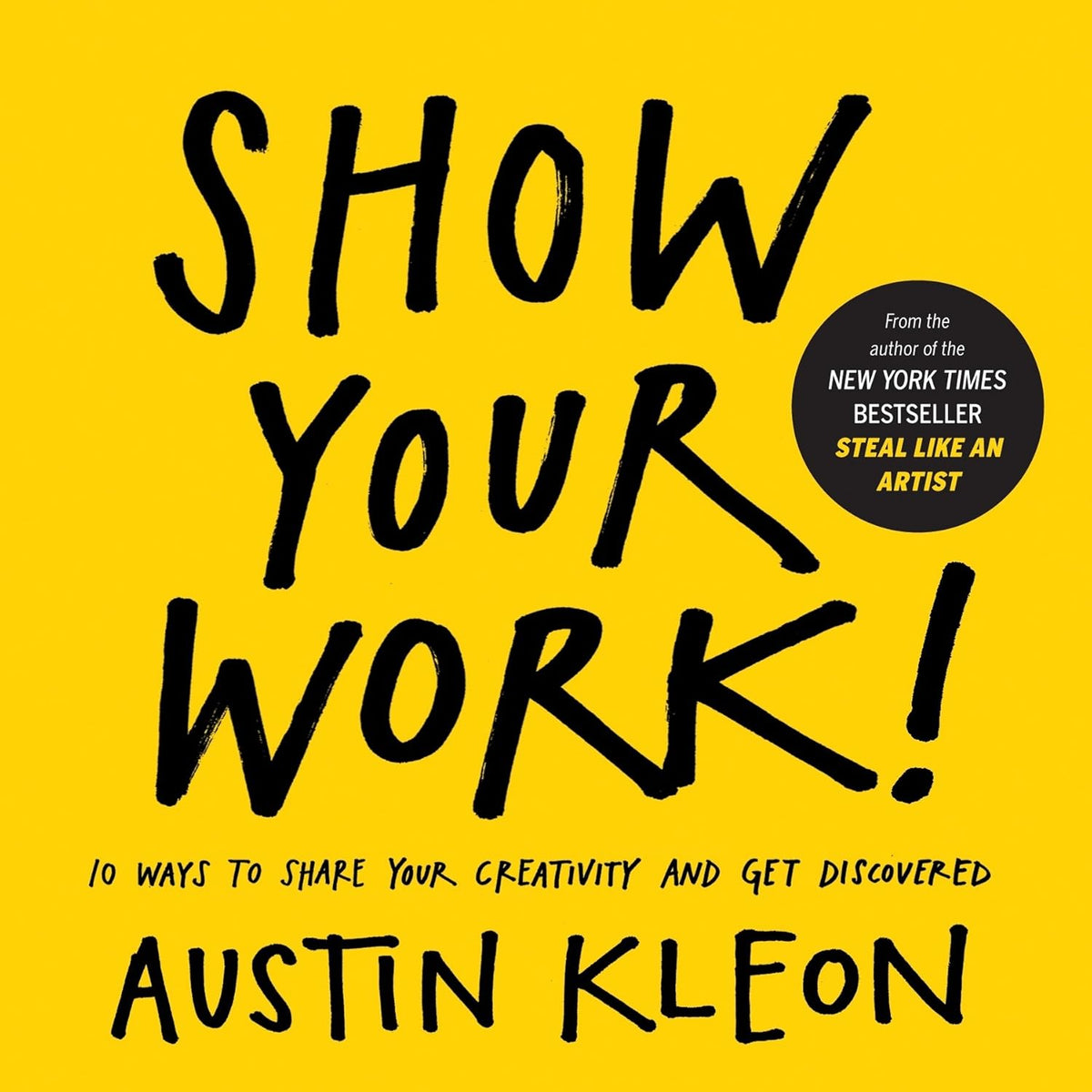
📣 Show Your Work!
Creating good work is only part of becoming a successful creator. Show Your Work! focuses on sharing your creative process, building visibility, and developing a body of work that people can discover and remember.
- ✔ Build a consistent creative presence
- ✔ Share your work instead of keeping it hidden
- ✔ Turn projects into a visible body of work
- ✔ Useful for creators building a portfolio or personal brand
🛠️ Creator Setup Essentials
🎬 Canon EOS R50 Mirrorless Camera
When smartphone footage no longer gives you the visual control you need, a dedicated mirrorless camera can provide better image quality, autofocus, and creative control for videos and photography.
✔ Video Creation • ✔ Photography • ✔ YouTube Improve Visuals🎙️ ZealSound USB Microphone
Poor or unclear audio can make otherwise good content difficult to watch. A dedicated USB microphone provides a simple way to improve voice clarity for recordings, tutorials, podcasts, and streams.
✔ Voiceovers • ✔ Podcasts • ✔ Streaming Improve Audio💡 Tygot LED Ring Light
Inconsistent lighting can create shadows, dull visuals, and uneven skin tones. A ring light provides a simple lighting solution for desk-based videos, tutorials, calls, and product content.
✔ Desk Videos • ✔ Tutorials • ✔ Product Content Improve Lighting💻 Dell Inspiron 15 Laptop
Video editing, graphic design, AI tools, and multitasking can become frustrating when your main computer struggles with demanding workloads. A capable laptop forms the processing backbone of a creator's workflow.
✔ Editing • ✔ Multitasking • ✔ Creative Software Check the Laptop💾 SanDisk Extreme 1TB Portable SSD
Video footage, photos, project files, and exports can quickly fill a laptop's internal storage. A portable SSD provides additional space for large files while making backups and file transfers easier.
✔ Large Files • ✔ Backup • ✔ Portable Storage Expand Storage🤖 Airbrush AI
Creators often spend unnecessary time retouching images and preparing visuals for different platforms. AI-assisted editing can speed up routine photo enhancement and help prepare images more efficiently.
✔ AI Editing • ✔ Photo Enhancement • ✔ Faster Workflow Explore AI Editing📊 Match the Tool to the Problem
| If You Need To... | Consider | Problem It Addresses |
|---|---|---|
| Create higher-quality video and photos | Canon EOS R50 | Limited visual quality and camera control |
| Record clearer voice | ZealSound USB Microphone | Poor audio clarity |
| Improve desk-based lighting | Tygot LED Ring Light | Shadows and inconsistent lighting |
| Edit and multitask efficiently | Dell Inspiron 15 | Slow or overloaded computer workflows |
| Store large creative projects | SanDisk Extreme 1TB SSD | Limited internal storage |
| Edit images faster | Airbrush AI | Time-consuming photo enhancement |
| Build visibility around your work | Show Your Work! | Creating work without consistently sharing it |
🗺️ Creator Setup Upgrade Roadmap
Build your setup around your actual workflow instead of purchasing everything at once.
Step 1 — Start with Your Main Workflow
Identify whether your biggest need is video creation, photography, writing, streaming, editing, or a combination of these activities.
Step 2 — Strengthen Audio & Lighting
Add a dedicated microphone and suitable lighting when unclear audio or inconsistent visuals are affecting your content.
Step 3 — Improve Your Editing Setup
Use a capable laptop that can handle your editing software, creative applications, multitasking, and everyday workflow.
Step 4 — Protect Your Creative Files
Move large projects and important backups to external storage so your main computer does not become unnecessarily crowded.
Step 5 — Improve the Creative Process
Use tools such as AI-assisted image editing and practical resources like Show Your Work! to spend less time on repetitive work and more time creating and sharing.
💡 Smart Creator Setup Tips
- Start with the equipment that fixes your biggest workflow problem rather than buying a complete setup immediately.
- Prioritize clear audio and good lighting before making expensive camera upgrades.
- Choose a laptop based on the editing software and workload you actually use.
- Keep large project files organized and maintain backups of important work.
- Use AI tools for repetitive editing tasks, but keep creative decisions under your control.
- A good setup should make creating easier — not become another source of complexity.
- Remember that creating consistently and sharing your work matters as much as the equipment you use.
👥 Who Is This Creator Setup For?
- Content Creators producing videos, photos, tutorials, or social media content.
- YouTubers who need better video, audio, lighting, and editing workflows.
- Bloggers & Visual Creators working with images, graphics, and digital content.
- Freelancers creating client content from a home or personal workspace.
- Podcasters & Educators who need clearer audio and a reliable recording setup.
- New Creators building their first practical setup without buying unnecessary equipment.
❓ Frequently Asked Questions
Do I need all of these products to start creating?
No. Start with the tools that solve your biggest current problem. A capable computer, good audio, and suitable lighting can be enough for many beginner workflows.
Should I buy a camera before upgrading my audio?
Not necessarily. If your existing camera or smartphone produces acceptable visuals, improving audio may provide a more noticeable improvement in the overall content experience.
Why is an external SSD useful for creators?
Creative projects can contain large video and image files. An external SSD provides additional storage and makes it easier to move or back up projects without filling your computer's internal drive.
Is Airbrush AI useful for content creators?
It can be useful for creators who regularly edit, retouch, or prepare images. AI-assisted tools can reduce repetitive editing work and speed up routine visual tasks.
Why include a book in a creator setup?
Equipment helps you produce content, but building a body of work and consistently sharing it is also important. Show Your Work! focuses on that part of the creator journey.
Should beginners buy professional creator equipment?
Usually not. Begin with equipment that addresses an actual limitation in your workflow and upgrade when your current setup starts holding you back.
🚀 Final Thoughts
A useful creator setup is not necessarily the one with the most equipment. It is the one that removes the biggest obstacles between an idea and finished work.
Start with the essentials: a reliable editing device, clear audio, suitable lighting, and enough storage. Add a dedicated camera or AI editing tools when your workflow requires them, and don't overlook the importance of actually sharing the work you create.
The goal is simple: less friction, better output, and a workflow you can keep using consistently.
📚 Continue Learning
📦 Related Products
Share