Health & Wellness Desk Setup
Health & Wellness Desk Setup
Disclosure: This page contains affiliate links. We may earn a commission if you purchase through them, at no extra cost to you. We only recommend products we believe are useful.
A healthier workspace doesn't have to be complicated or expensive. Whether you work from home, attend online meetings, study, freelance, or spend long hours at a desk, the right workspace essentials can help support better positioning, reduce unnecessary desk discomfort, encourage movement, and make long work sessions more comfortable. This curated Health & Wellness Desk Setup brings together ergonomic workspace products, a wellness-focused book, and a digital learning tool selected around common challenges of sedentary desk work.
⭐ At a Glance
🪑 Comfort
- Support a more comfortable sitting position
- Add practical back and arm support
- Improve everyday desk comfort
🧍 Movement
- Make it easier to alternate between sitting and standing
- Encourage changes in working position
- Break up long periods at the desk
👀 Workspace Environment
- Improve screen positioning
- Create dedicated desk lighting
- Support a more comfortable visual environment
🌿 Wellbeing
- Build healthier workspace habits
- Learn about wellbeing at work
- Explore practical wellness resources
⚠️ Common Desk Work Problems
- Spending many hours in the same sitting position can make work sessions feel uncomfortable.
- A desk or chair that is not suitable for your workspace can make it harder to maintain a comfortable working position.
- Working with a laptop or monitor positioned too low can create an awkward viewing position.
- Long periods of sitting can make it easy to forget to stand, walk, or change position during the workday.
- Limited back, arm, or foot support can reduce overall desk comfort.
- Poor desk lighting can make reading and screen-based work less comfortable.
- Remote workers may spend most of the day at their workstation without thinking about the wider work environment.
- Building a healthier workspace requires more than buying products—it also involves movement, habits, and awareness.
📊 Compare Health & Wellness Desk Essentials
| Product / Tool | Best Use | Problem It Addresses | Link |
|---|---|---|---|
| JIN OFFICE Ascend Electric Height Adjustable Desk | Sitting & standing variation | Allows you to change desk height and alternate between sitting and standing during the workday. | View Product |
| CELLBELL C190 Berlin Office Chair | Everyday desk seating | Provides a dedicated office chair for a more supportive and comfortable workstation. | View Product |
| fovera Backrest Cushion | Back support | Adds extra cushioning and support to an office chair for greater sitting comfort. | View Product |
| fovera Arm & Elbow Rest Pad | Arm support | Provides a dedicated padded surface for supporting the arms and elbows while working. | View Product |
| fovera Foot Rest | Foot & leg comfort | Provides a raised surface for supporting the feet while sitting at a desk. | View Product |
| Monitor Stand | Screen positioning | Raises the monitor to help create a more comfortable viewing position. | View Product |
| Blue-Light Filter | Screen comfort | Provides a screen-filtering option for people who spend extended periods working on digital displays. | View Product |
| Desk Lamp | Workspace lighting | Provides dedicated lighting for reading, writing, and desk-based work. | View Product |
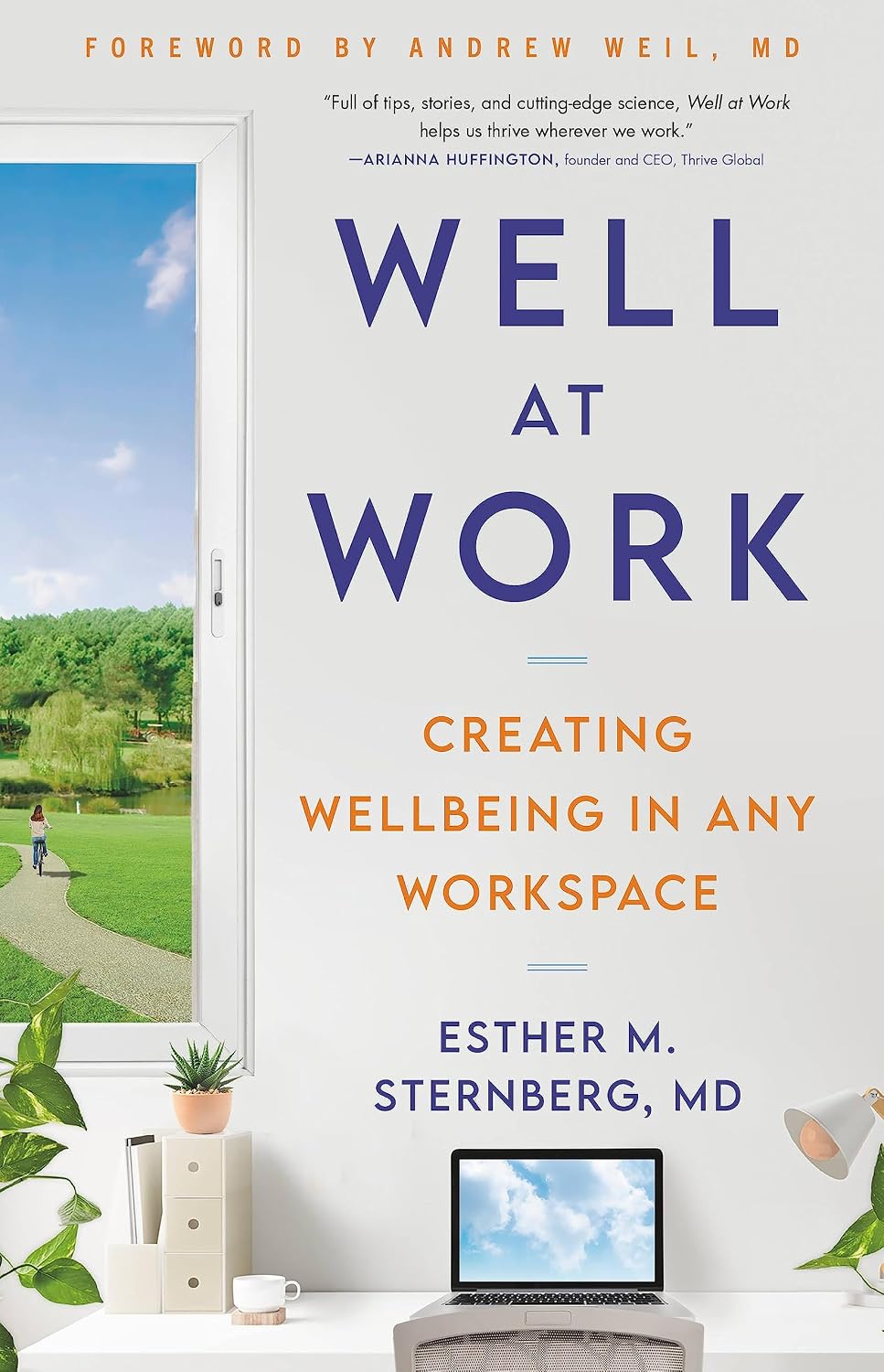
| Well at Work — Esther M. Sternberg, MD | Workplace wellbeing | Explores how the work environment can influence wellbeing and provides a broader perspective on creating healthier workspaces. | View Book |
| Headway | Wellness & personal development | Provides short book summaries and learning content that can complement personal wellbeing and development. | Explore Tool |
⭐ Featured Picks
JIN OFFICE Ascend Electric Height Adjustable Desk
A height-adjustable desk gives you the flexibility to change your working position instead of remaining at the same desk height throughout the day.
- ✔ Supports sitting and standing variation
- ✔ Useful for home and remote workspaces
- ✔ Makes position changes easier during the workday
CELLBELL C190 Berlin Office Chair
A dedicated office chair can provide a more suitable foundation for your daily workstation, particularly when you spend several hours working at a desk.
- ✔ Designed for office use
- ✔ Suitable for home workspaces
- ✔ Pairs well with additional desk support accessories
Well at Work
Explore the wider relationship between workspace design and wellbeing with Esther M. Sternberg's book on creating healthier work environments.
- ✔ Focuses on wellbeing at work
- ✔ Goes beyond basic desk ergonomics
- ✔ Complements a wellness-focused workspace
🗺️ Health & Wellness Desk Setup Roadmap
Step 1
Start with your seating. Choose an office chair that provides a comfortable foundation for your everyday workstation.
Step 2
Add practical support. Consider a backrest cushion, arm support, or footrest if these address a specific comfort need in your workspace.
Step 3
Improve screen positioning. Use a monitor stand to create a more comfortable viewing position rather than keeping the screen too low.
Step 4
Build movement into your workday. Use a height-adjustable desk to make sitting and standing variation easier, and remember to take regular movement breaks.
Step 5
Improve your environment. Add suitable desk lighting and consider a screen filter if it fits your personal preferences and workspace.
Step 6
Think beyond the desk. Learn more about workplace wellbeing and develop habits that support a healthier approach to working.
👥 Who Is This Health & Wellness Desk Setup For?
- Remote Workers who spend several hours working from a home office.
- Freelancers who need a comfortable workspace for extended periods of independent work.
- Online Professionals who spend much of their working day on a computer.
- Home-Based Entrepreneurs building a practical workstation for daily business activities.
- Online Learners who spend long periods studying or attending virtual classes.
- Anyone With a Sedentary Work Routine looking for practical ways to make their workspace more comfortable and encourage regular position changes.
💡 Smart Health & Wellness Workspace Tips
- Don't stay in exactly the same position for the entire workday—change your position regularly.
- Use a height-adjustable desk to alternate between sitting and standing when practical.
- Position your monitor so that you can view the screen comfortably without constantly looking downward.
- Use a footrest if your feet do not sit comfortably on the floor when seated.
- Consider additional back or arm support based on your individual workspace and comfort needs.
- Keep your desk lighting comfortable and avoid placing bright light directly behind your screen.
- Take short movement breaks throughout the day rather than waiting until the end of the workday to move.
- Use walking breaks, stretching, or simple mobility exercises to interrupt long periods of sitting.
- Don't treat ergonomic products as a replacement for movement and healthy daily habits.
- Build your setup gradually—start with the workspace problem that affects you most.
❓ Frequently Asked Questions
-
What is a Health & Wellness Desk Setup?
A Health & Wellness Desk Setup is a workspace designed around comfort, ergonomic positioning, movement, and healthier work habits. It can include products such as an ergonomic chair, adjustable desk, monitor stand, footrest, and suitable lighting.
-
What should I prioritize when creating a healthier desk setup?
Start with the areas that affect your everyday work most. Seating, screen positioning, desk height, lighting, and opportunities to change position are useful starting points. You do not need to purchase every accessory at once.
-
Is a standing desk necessary for a healthy workspace?
No. A standing desk is not essential for everyone. Its main advantage is that it can make it easier to vary your working position. Regular movement and position changes remain important whether you use a standing desk or a traditional desk.
-
Why is movement important during a desk-based workday?
Long periods of uninterrupted sitting can make a workday feel physically demanding. Short walking breaks, stretching, and regular changes in position can help break up extended periods at the desk.
-
What does Well at Work cover?
Well at Work by Esther M. Sternberg, MD explores the relationship between the workplace environment and wellbeing. It provides a broader perspective on creating work environments that can better support physical and emotional wellbeing.
-
Can a desk setup replace exercise?
No. Ergonomic and workspace products are designed to improve the working environment, not replace regular physical activity. A healthier approach combines a comfortable workspace with movement, exercise, breaks, and other healthy daily habits.
📝 Summary
A healthier desk setup doesn't need to be complicated. Start with the basics: comfortable seating, appropriate screen positioning, practical support, suitable lighting, and opportunities to change your working position. Products such as a height-adjustable desk, office chair, backrest cushion, footrest, monitor stand, and desk lamp can help create a more comfortable workspace.
But a wellness-focused workspace is about more than products. Regular movement, breaks, healthy habits, and awareness of your working environment all matter. Well at Work provides a broader perspective on workplace wellbeing, while Headway offers an additional digital resource for learning and personal development.
🏃 Stay Active Beyond Your Desk
Sedentary Remote Work Solutions
Discover practical ways to break up prolonged sitting, improve your remote-work routine, and create a more movement-friendly workday.
Read the GuideSriraksha Health & Wellness
Complement your workspace habits with fitness, movement, and active-living resources designed to help you stay active beyond your desk.
Explore Fitness Resources📚 Continue Learning
📦 Related Products
Share